
Back to Black Cat Clapping AI
Related AI pet workflow
AI Image to Image
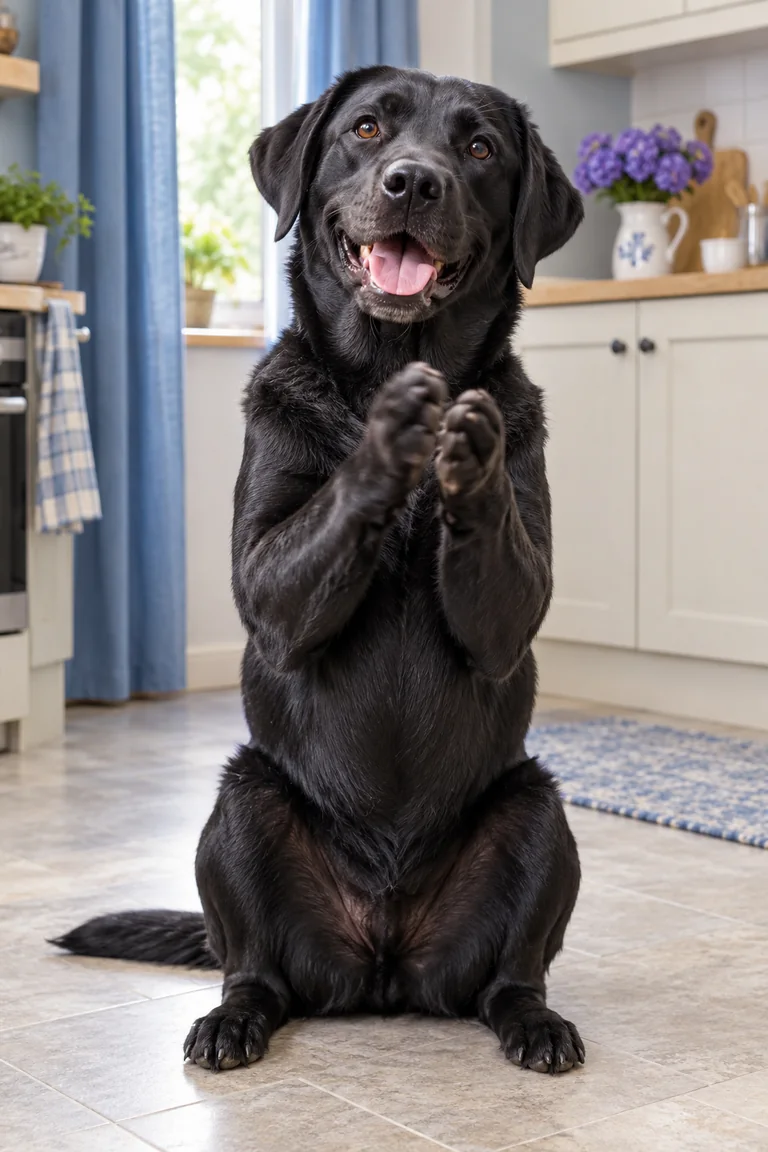
Use image-to-image concepts to clean up a source photo, simplify the background, or make the reaction larger than life while keeping the cat recognizable.
Why use this pet video workflow?
01
Prepare a stronger starting frame
A cleaner image can make a later animation easier to read.
02
Keep the pet central
Use simple framing so fur, eyes, and paws remain identifiable.
03
Build a visual series
Use one pet character across a set of related reaction images and clips.
How it works
Choose a photo
Start with a clear image and one specific visual change.
Describe the style
Keep the subject details fixed and change only the requested background or finish.
Continue to video
Sign in, confirm access, and use the same queue for your next animated concept.
AI Image to Image FAQs
Can image-to-image change the pose?
Pose changes depend on the model and source image. Preserving the face and markings is usually easier with smaller changes.