
Related AI pet workflow
AI Image to Video
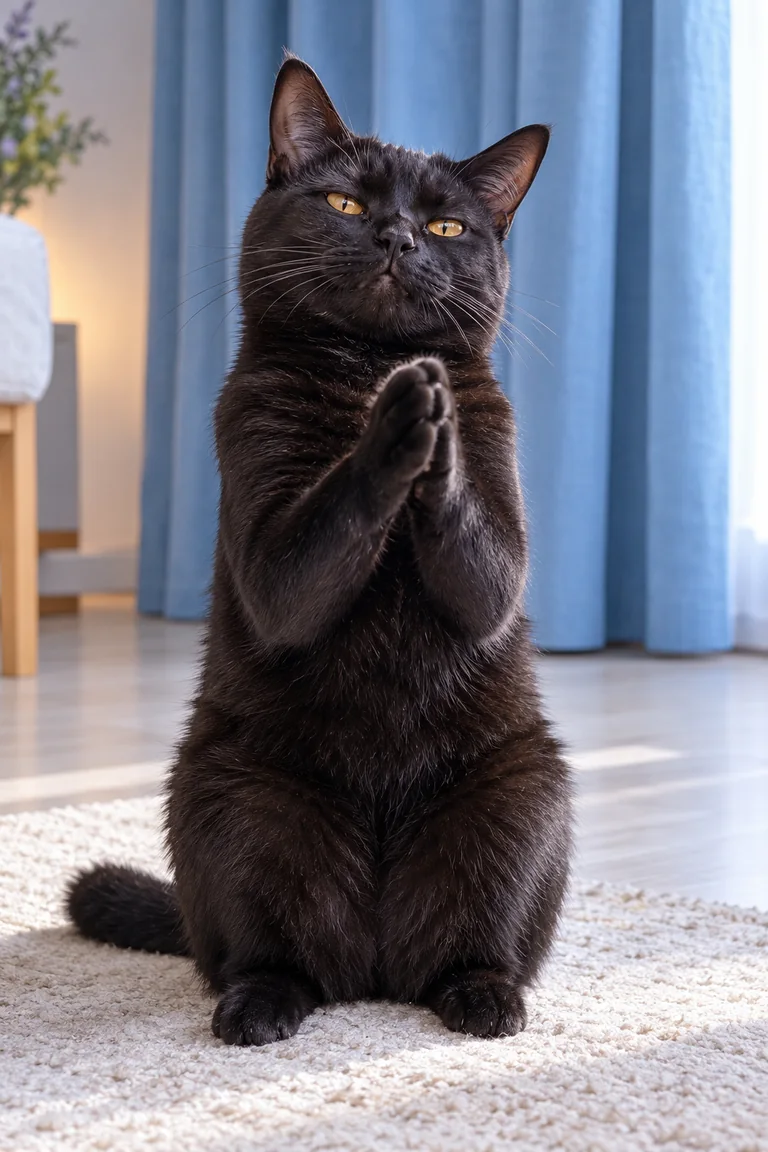
Use one clear, front-facing cat photo as the starting frame. Describe the paw movement, keep the camera fixed, and ask the model to preserve your cat’s markings and expression.
Why use this pet video workflow?
Photo-first animation
Begin with the pose and personality already visible in your cat photo instead of building an entirely new character.
Short, focused motion
A compact paw-clapping action is easier to describe and inspect than a long scene with several simultaneous movements.
Reaction-meme framing
Keep the composition simple so the applause remains the visual punchline when the clip is shared.
How it works
Upload your source photo
Choose a sharp JPG, PNG, or WebP image with visible front paws.
Describe the clap
Prompt for three gentle paw-to-paw claps, a fixed camera, and preserved fur and facial features.
Generate and review
Sign in, confirm your subscription, and enter the render queue.
AI Image to Video FAQs
What makes a good image-to-video cat photo?
Use even lighting, visible front paws, a stable seated pose, and a simple background. Avoid motion blur and heavy filters.
Can the animation keep my cat recognizable?
A specific prompt can preserve fur color, face shape, and markings, but individual model results vary and may need another attempt.